For a local HVAC business, Google reviews are the single largest lever on inbound calls. The shops with sixty recent reviews get the call; the shops with nine from 2019 do not. The difference is almost never service quality — it is whether anyone asks.
Ratchly sends the request automatically off the completed job, at the moment satisfaction is highest, and keeps the ask short enough that customers finish it.
Everybody agrees you should ask. Nobody does.
Asking for reviews is the first thing dropped on a busy day, and asking two weeks later produces almost nothing.
- Requests only go out when someone remembers
- The ask arrives days after the visit
- No idea which techs generate the best feedback
- Unhappy customers hear nothing before they post
- Review count stalls while competitors climb
Trigger the ask from the job, not from a to-do list.
When a job is completed and paid, Ratchly sends the review request by text with a direct link. Consistency is the whole mechanism.
Triggered on completion
The ask fires off the job status, so it is never forgotten or delayed.
Direct Google link
One tap from the text to your review page — no searching.
Per-technician tracking
See which techs consistently earn five stars and coach from real data.
Timing controls
Choose the delay and the message so the ask fits how your shop talks.
Set it once
Configure the trigger, delay and message; after that it runs on its own.
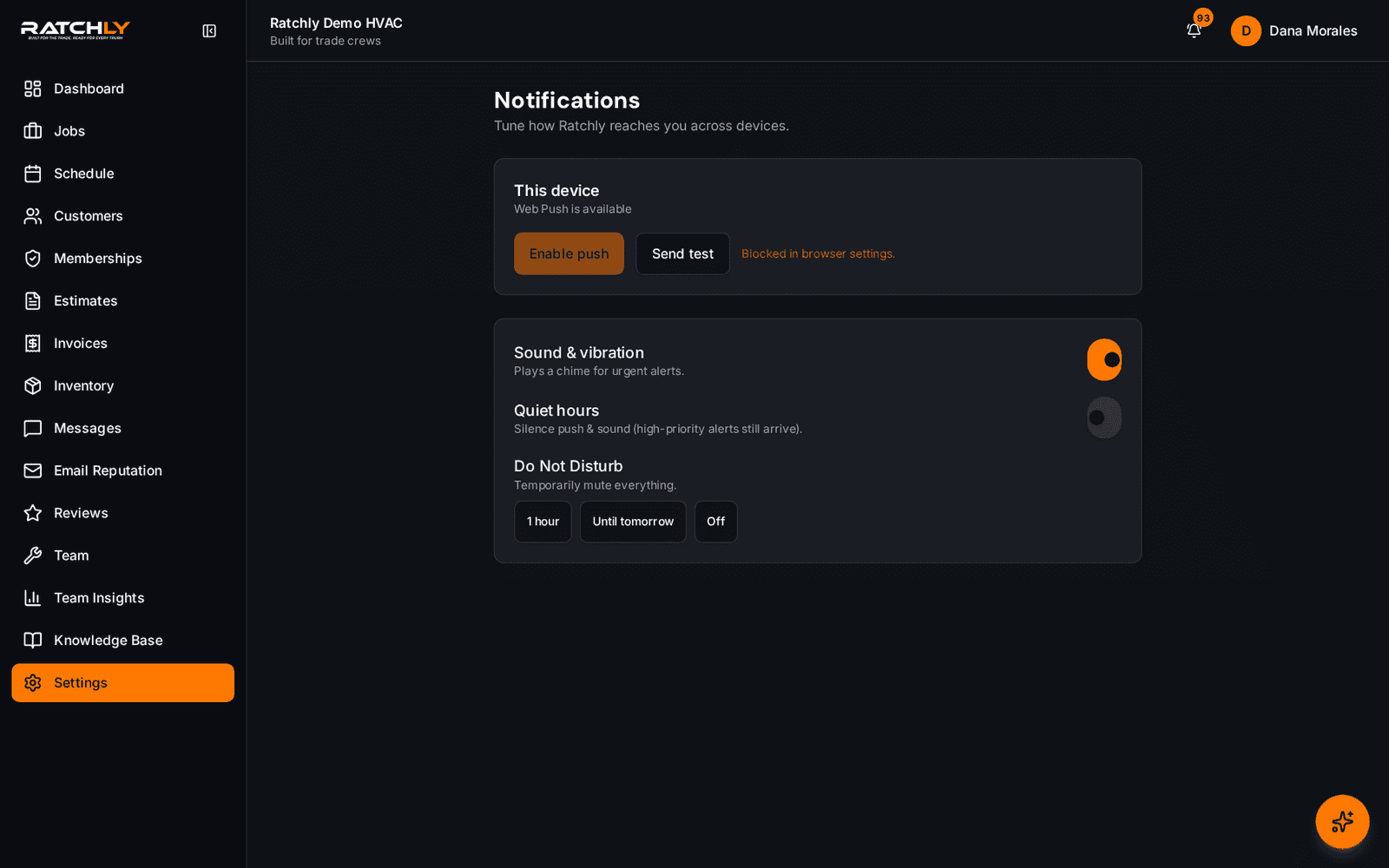
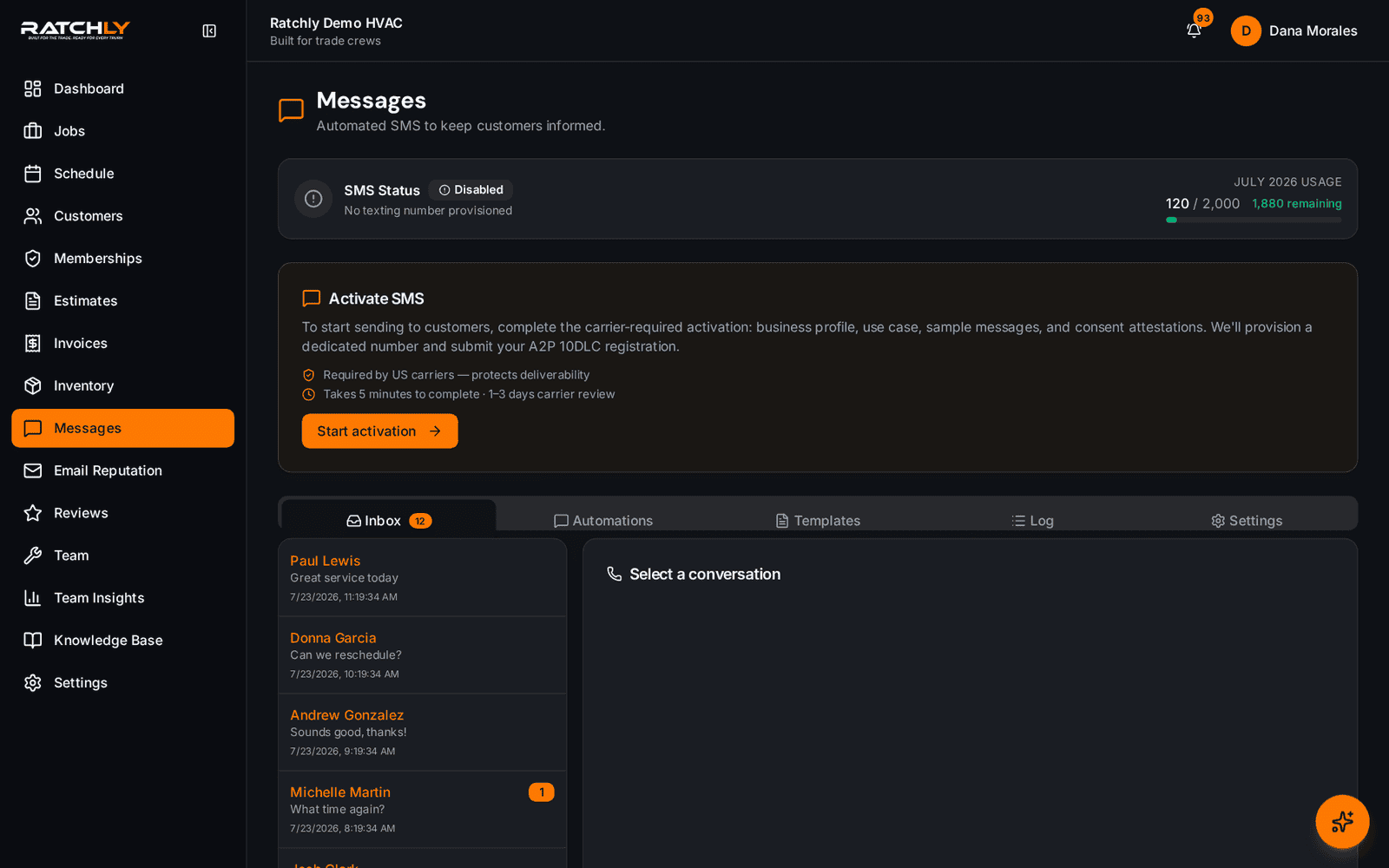
Sent alongside your other customer messages
Review requests live in the same message history as confirmations and reminders.
From completed repair to published review
- 1Tech marks the job complete and takes payment.
- 2Ratchly waits your configured delay, then texts the request.
- 3Customer taps through to Google and leaves the review.
- 4The result is attributed to the technician who ran the call.
What it changes for your shop.
- A steady flow of recent reviews instead of an occasional burst
- Higher local map visibility over time
- Objective data on which techs delight customers
- Zero ongoing effort from the office
Where shops use it
Newer shops building a footprint
Every completed job becomes a chance to close the gap with established competitors.
Multi-tech crews
Attribute feedback to the technician so recognition and coaching are grounded in data.
Post-installation follow-up
Ask after a large install, when customer satisfaction is at its peak.
HVAC Review Automation — questions we get asked.
When is the best time to ask an HVAC customer for a review?
Shortly after the job is completed and paid, while the customer still remembers the technician. Waiting more than a day or two produces a noticeably lower response rate.
Can I control the message?
Yes — both the wording and the delay before it sends are configurable per shop.
Does this filter out negative reviews?
No. Ratchly does not gate or suppress reviews; that practice violates Google's policies. What it does is make sure every customer is asked, which is what moves the average.
Can I see reviews by technician?
Yes, feedback is attributed to the technician who ran the job.
Keep reading
HVAC Business Management Software
One system for the whole job: book it, dispatch it, quote it, invoice it, get paid, and ask for the review — without a single spreadsheet.
Read moreCustomer experienceHVAC Customer Portal
Customers confirm, track, approve, pay and request service from one link — no account to create, no password to forget.
Read moreFieldHVAC Technician App
Techs open a link, add it to the home screen, and have their day, their jobs, their checklists and payment collection in one place.
Read moreLooking at the bigger picture? See how hvac business management software ties the whole service cycle together.