Ratchly vs Housecall Pro for HVAC contractors
Where each platform fits, what to check before you sign, and the cases where Housecall Pro is the better answer.
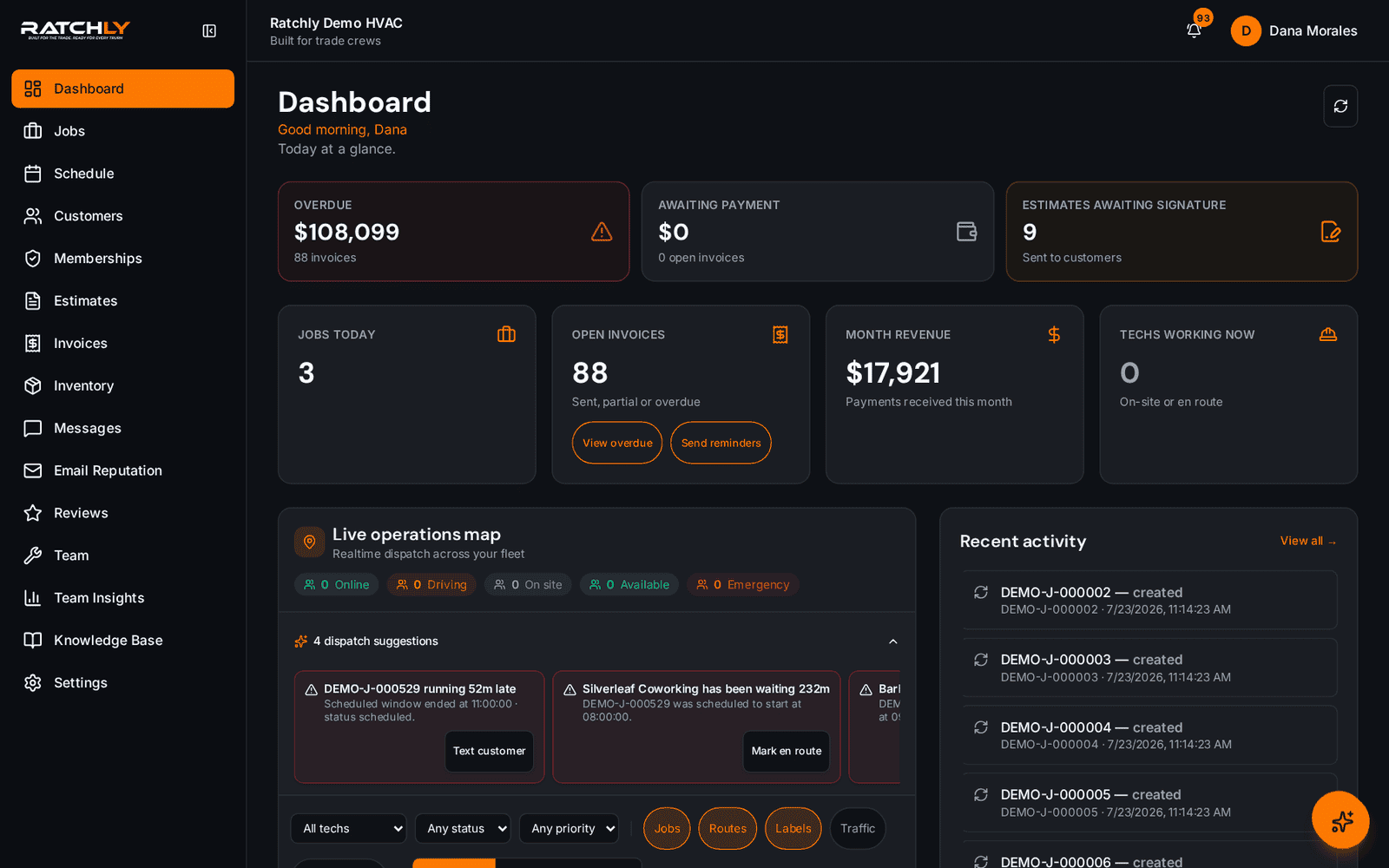
Housecall Pro is a general home-services platform: plumbing, electrical, cleaning, HVAC and more all run on it. Ratchly is narrower on purpose — it is built around the HVAC service cycle, so equipment history, maintenance agreements and refrigerant-aware job notes are in the core product rather than bolted on.
If you run a mixed-trade business, breadth is worth paying for. If you are an HVAC shop with a handful of techs and your main problem is that work performed in the field never turns into a paid invoice fast enough, the narrower tool usually wins on time-to-cash.
The short answer
Choose Ratchly if
- Built for 1–10 technician HVAC shops, not enterprise contractors
- Estimate → signature → invoice → payment on the technician's phone
- Drag-and-drop dispatch board with live technician locations
- Maintenance agreements that auto-generate their visits
- Flat, published pricing with no implementation fee
Choose Housecall Pro if
- You run several trades under one roof and want one product for all of them
- You need a large marketplace of third-party add-ons
- Your team is already trained on it and switching cost outweighs the gain
Ratchly vs Housecall Pro, side by side
We only describe our own product in specifics. For the other column we tell you what to verify, because competitor plans change and we will not publish numbers we cannot stand behind.
| What to compare | Ratchly | Housecall Pro |
|---|---|---|
| Who it is designed around | Owner-operators and shops with up to about ten technicians. | A broad home-services platform used across many trades, from solo operators to larger teams. |
| Setup effort | Self-serve. Import customers, add techs, dispatch the same day. | Varies by plan and company size — confirm onboarding scope with Housecall Pro before you commit. |
| Field workflow | One job record carries notes, photos, parts, estimate, signature, invoice and payment. | Housecall Pro covers the field workflow; compare how many taps it takes to get from arrival to a paid invoice. |
| Dispatch | Drag-and-drop board, live map, drive-time aware suggestions. | Check whether dispatch and live technician tracking are on the plan you are quoted. |
| Maintenance agreements | Plans generate their own recurring visits and renewal reminders. | Confirm whether agreement visits auto-schedule or have to be booked by hand. |
| Pricing model | Published flat pricing, monthly, cancel any time. | Ask for the all-in number including onboarding, add-on modules and payment processing. |
| Best question to ask on the demo | “Show me arrival to paid invoice on a phone.” | “Show me arrival to paid invoice on a phone.” |
Questions contractors ask
- Is Ratchly a drop-in replacement for Housecall Pro?
- For HVAC service work, yes — scheduling, dispatch, estimates, invoicing, payments, customer messaging and maintenance agreements are all covered. Export your customer list and import it during setup.
- Which is cheaper?
- Compare the all-in figure, not the sticker: onboarding fees, per-user pricing, add-on modules and payment processing rates. Ratchly publishes flat monthly pricing on the pricing page and charges no implementation fee.
- Can I try Ratchly before moving?
- Yes. Start a free trial, load a handful of real jobs, and run one week in parallel before you decide.