Most calls into a small HVAC office are not new business. They are 'what time is the tech coming', 'did you get my payment', and 'can you send that quote again'. A customer portal answers all three without anyone picking up the phone.
Ratchly's portal is a tokenized link — the customer opens it from their text or email and sees their appointment, the technician's ETA, their estimates and their invoices. There is no signup step, which is why customers actually use it.
The office phone is the customer's only interface.
Every status question, payment question and scheduling question costs someone in the office five minutes and an interruption.
- Repeat calls asking where the technician is
- Estimates resent by email three times
- Payments made by phone, keyed in by hand
- Service requests arriving as voicemails at 9pm
- Portals nobody uses because they require an account
One link per customer, no login required.
Appointments, technician tracking, estimates awaiting signature, invoices awaiting payment and a service request form — all behind a secure per-customer token.
Live technician tracking
Customers watch the truck approach instead of calling to ask.
Approve and sign estimates
Review options and sign from the portal, which advances the job automatically.
Pay invoices online
Card or ACH; the invoice closes itself when the payment clears.
Request service
Requests land in the office inbox as real records, not voicemails.
Customer record and history
Everything the office needs about the account, including the portal link to resend.
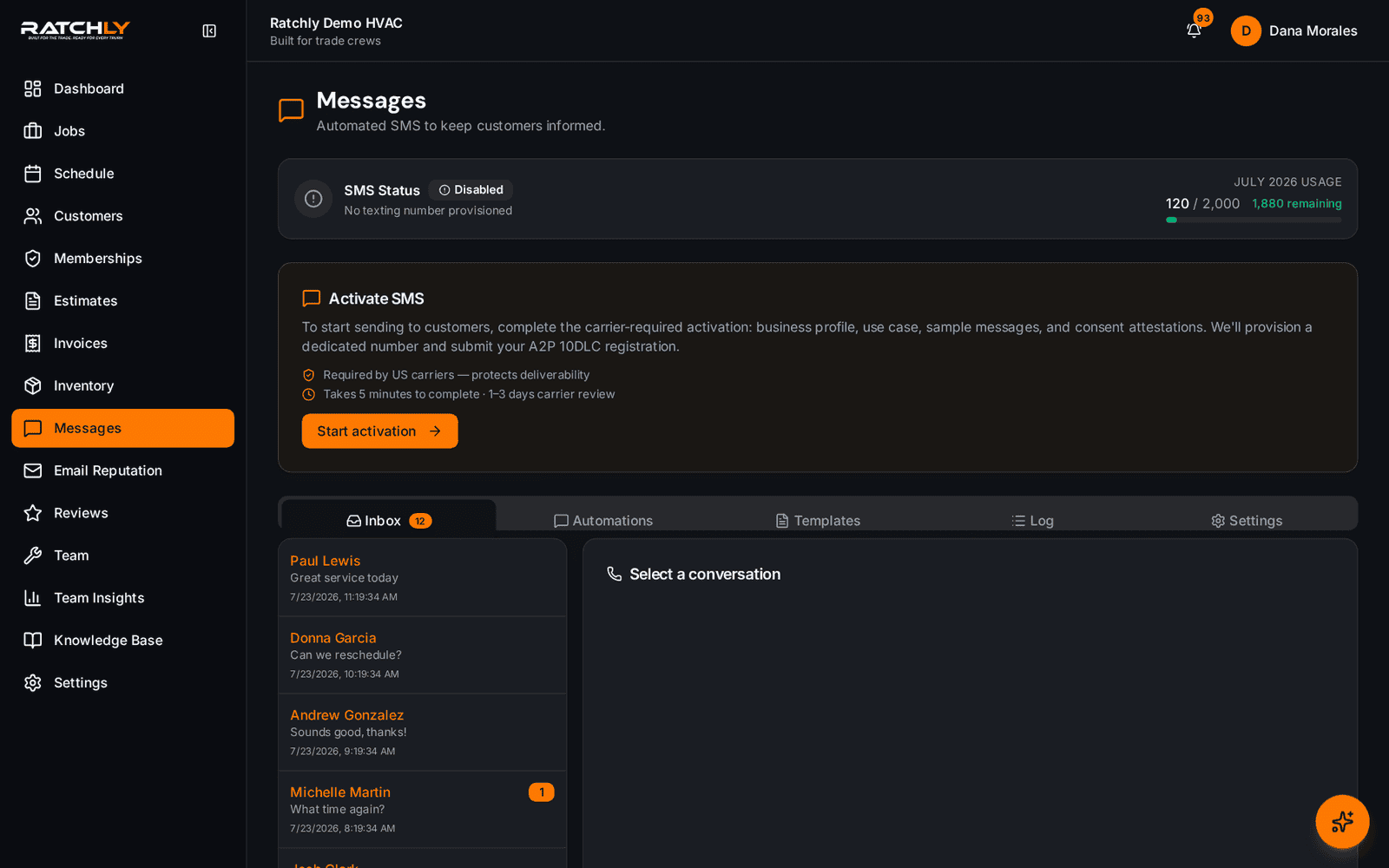
Automated messaging
Confirmations, reminders and on-the-way texts fire off the job status.
A maintenance visit the customer runs themselves
- 1Reminder text goes out with the portal link.
- 2Customer confirms the window without calling.
- 3On the day, they track the technician's approach from the same link.
- 4After the visit they review the estimate and pay the invoice in the portal.
What it changes for your shop.
- Fewer inbound status calls during peak season
- Faster estimate approvals because the link is already in their hand
- Payments collected without keying card numbers by phone
- After-hours requests arrive as tracked records
Where shops use it
Property managers with several buildings
One place to see every open request and invoice across their addresses.
Homeowners on maintenance agreements
Upcoming visits and past service history without calling the office.
Customers who never answer the phone
Approvals and payments happen asynchronously instead of stalling.
HVAC Customer Portal — questions we get asked.
Do customers have to create an account?
No. The portal is opened through a secure per-customer link sent by text or email, which is the main reason adoption is high compared with password-protected portals.
Can HVAC software send customer text messages automatically?
Yes. Booking confirmations, reminders, on-the-way notices and review requests all send from the job's status changes rather than being triggered by hand.
Is the portal link secure?
Each link carries a unique token scoped to that one customer, stored separately from the customer record and never exposed to field technicians.
Can customers request service through it?
Yes, and requests arrive in the office as records in the service-request inbox rather than as voicemail.
Keep reading
HVAC Business Management Software
One system for the whole job: book it, dispatch it, quote it, invoice it, get paid, and ask for the review — without a single spreadsheet.
Read moreReputationHVAC Review Automation
The review request goes out after the job is done and paid — while the customer still remembers the technician's name.
Read moreRecurring revenueHVAC Service Contract Software
Agreements generate their own maintenance visits, apply member pricing automatically and flag renewals before they lapse.
Read moreLooking at the bigger picture? See how hvac business management software ties the whole service cycle together.