The technician app is where field service software either earns its keep or gets ignored. If it takes more taps than a text message, techs stop using it and the office is back to phone calls and paper.
Ratchly's field view is a progressive web app: the technician taps a link in their welcome email, installs it to the home screen in one step, and works from the same job data the office sees. No app store account, no distribution list, no separate login for the office system.
Field software fails at the truck, not in the demo.
Techs work with dirty hands, bad signal and a customer standing next to them. Anything that needs a laptop, a second login or a stable connection ends up unused.
- Techs write notes on paper and re-dictate them to the office
- Photos live on personal phones and never reach the job record
- Nobody knows the job status until the tech calls in
- Payment can only be taken from the office
- New hires need an app store account and an IT session to get started
Install from an email, work from the home screen.
The onboarding email carries a one-tap install link with platform-specific instructions for iOS and Android. From then on the tech opens Ratchly like any other app and works their assigned jobs.
Today, this week, this month
Techs see their own schedule at whichever range they need, not just today.
Job checklists
Standard HVAC checklists per job type so the work is consistent between techs.
Photos and notes on the record
Captured against the job and visible to the office immediately.
Estimates, signatures and payment
Quote, get approval and take the card without calling the office.
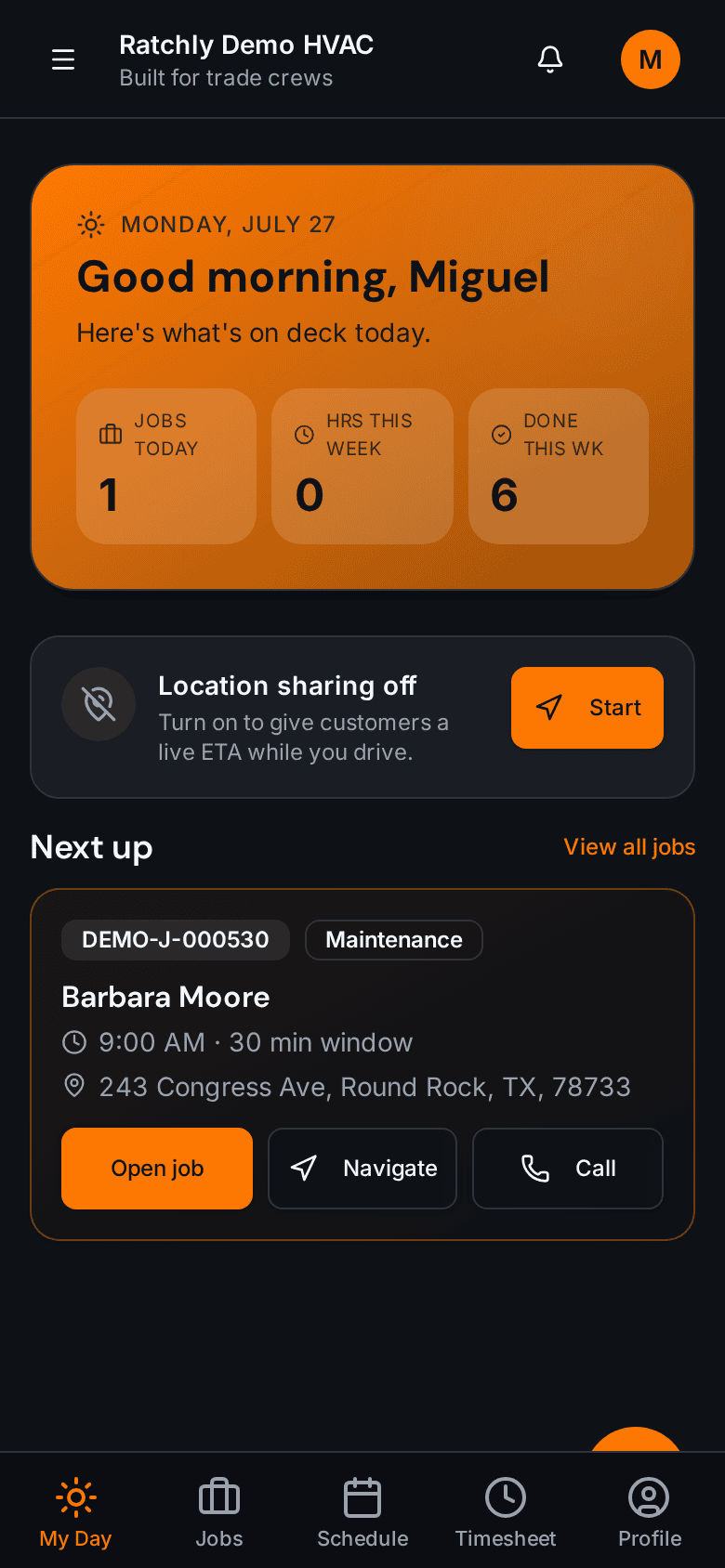
The technician's day
Assigned stops in order, with addresses that open straight into navigation.
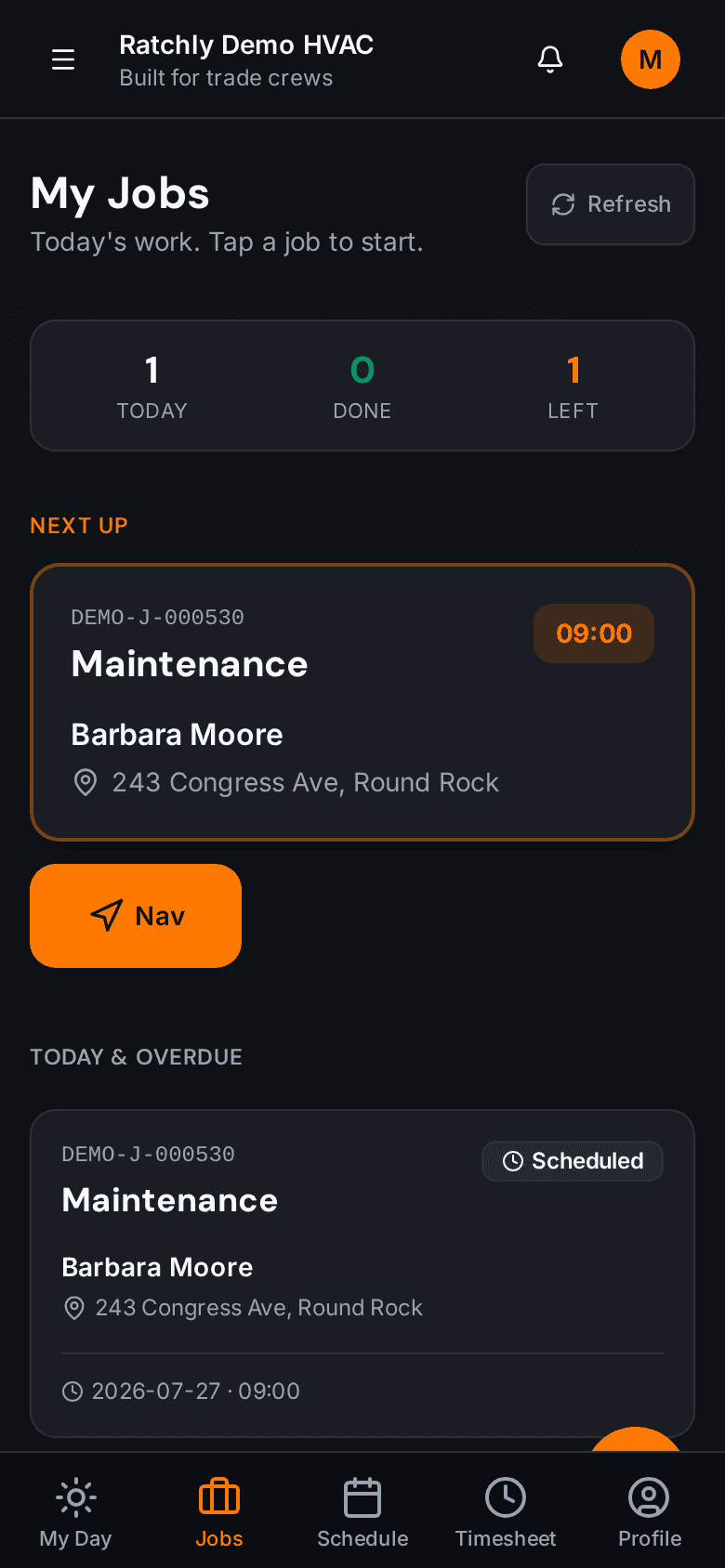
Job list and status
Start, arrive, complete — the office board updates as the tech taps through.
Onboarding a new technician
- 1Owner adds the tech in Ratchly; a welcome email goes out automatically.
- 2Tech taps 'Install Ratchly App' and follows the iOS or Android instructions.
- 3First sign-in lands directly on their assigned day.
- 4Permissions decide what they can see — pricing, other techs' jobs, customer contact details.
What it changes for your shop.
- No app store approval or distribution to manage
- Techs stop calling the office for job details
- Photos and notes land on the record the first time
- New hires are working within minutes of being added
Where shops use it
Mixed iPhone and Android crews
One install path that works on both, from the same welcome email.
Apprentices with limited permissions
Hide pricing and customer contact details while still showing the work to be done.
Seasonal help
Add for the season, remove after — no devices to reclaim or licenses to reassign.
HVAC Technician App — questions we get asked.
Is there a native app in the App Store or Play Store?
Ratchly's field view is a progressive web app installed straight from the welcome email. Functionally it behaves like a native app on the home screen, without app store accounts or update distribution.
What happens when a technician loses signal?
Work performed offline is queued and syncs when the connection returns, so notes and status changes are not lost in a basement or a rural service area.
Can I limit what technicians see?
Yes. Technician permissions control access to pricing, other technicians' jobs, customer contact details and payment collection.
Can techs collect payment?
If you grant that permission, yes — card or ACH from their own phone, applied to the job's invoice.
Keep reading
HVAC Business Management Software
One system for the whole job: book it, dispatch it, quote it, invoice it, get paid, and ask for the review — without a single spreadsheet.
Read moreDispatchHVAC Dispatch Software
See where every tech is, what they are on, and who can take the next call — then reassign it by dragging it onto them.
Read moreOperationsHVAC Job Management Software
Equipment history, checklists, photos, parts, refrigerant, estimate and invoice — all attached to the job, not scattered across four tools.
Read moreLooking at the bigger picture? See how hvac business management software ties the whole service cycle together.