Paper work orders don't survive the truck.
They get wet. They get lost. Half the time the tech forgets to write down the model and serial. And then someone has to re-key everything into your billing system.
- Paper work orders get lost, damaged, or forgotten in the truck
- Missing model/serial numbers block warranty claims
- Office staff waste hours re-keying paper into billing
Digital work orders that fill themselves in.
Customer address, equipment history, and previous notes pre-populate. The tech captures a signature on the phone, adds photos, and marks parts used from truck inventory.
On-device signature capture
Customer signs the phone; the PDF work order goes to them via email or SMS.
Auto-pull equipment history
Model, serial, refrigerant, filter size — pulled from the address, not re-typed.
Parts drawn from truck stock
Adding a capacitor deducts it from the tech's truck inventory automatically.
Branded PDFs
Your logo, your colors, sent straight to the customer.
See it in the real product.
Every screenshot below is a live capture from a Ratchly account — not a mockup.
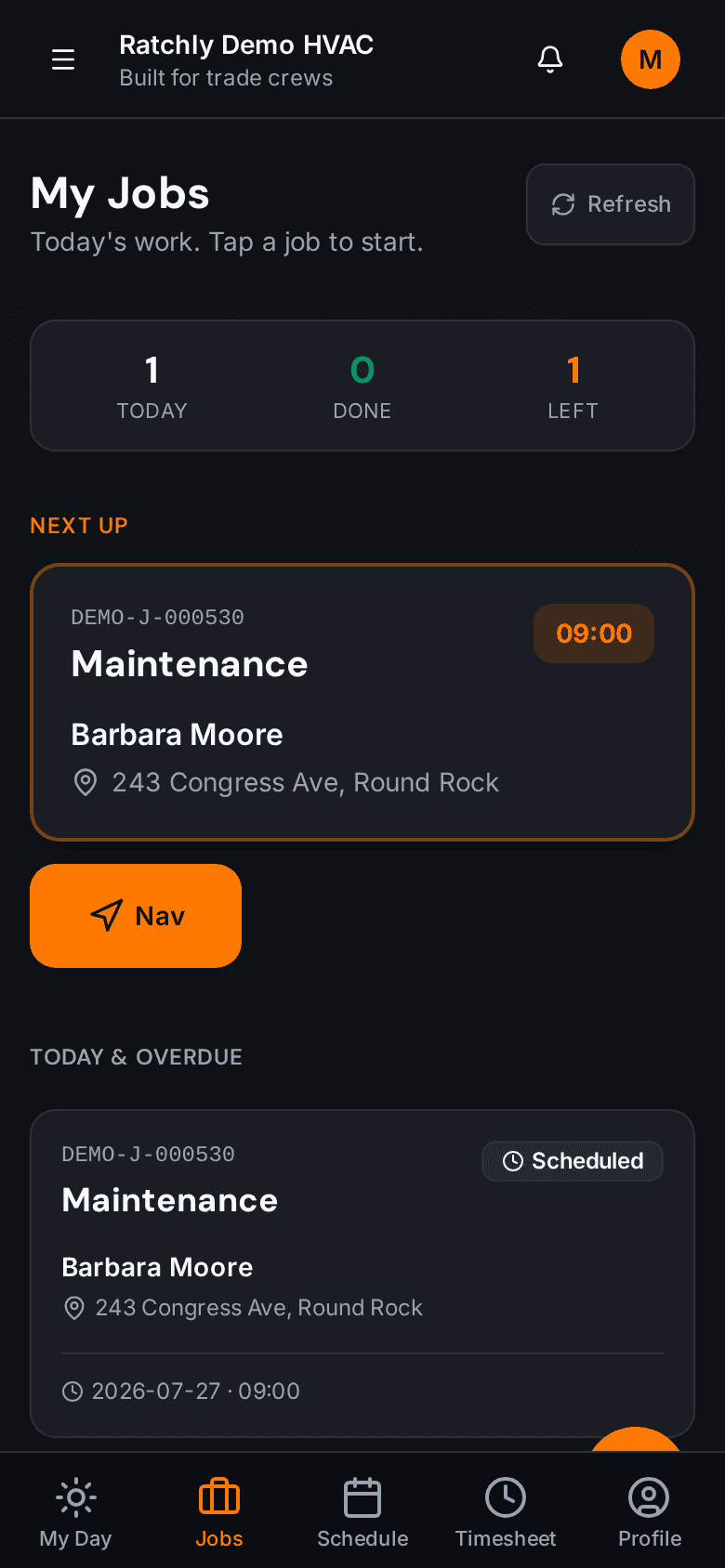
Open a job on any phone
Big buttons, big text, glove-friendly. Works on iOS and Android as a PWA.
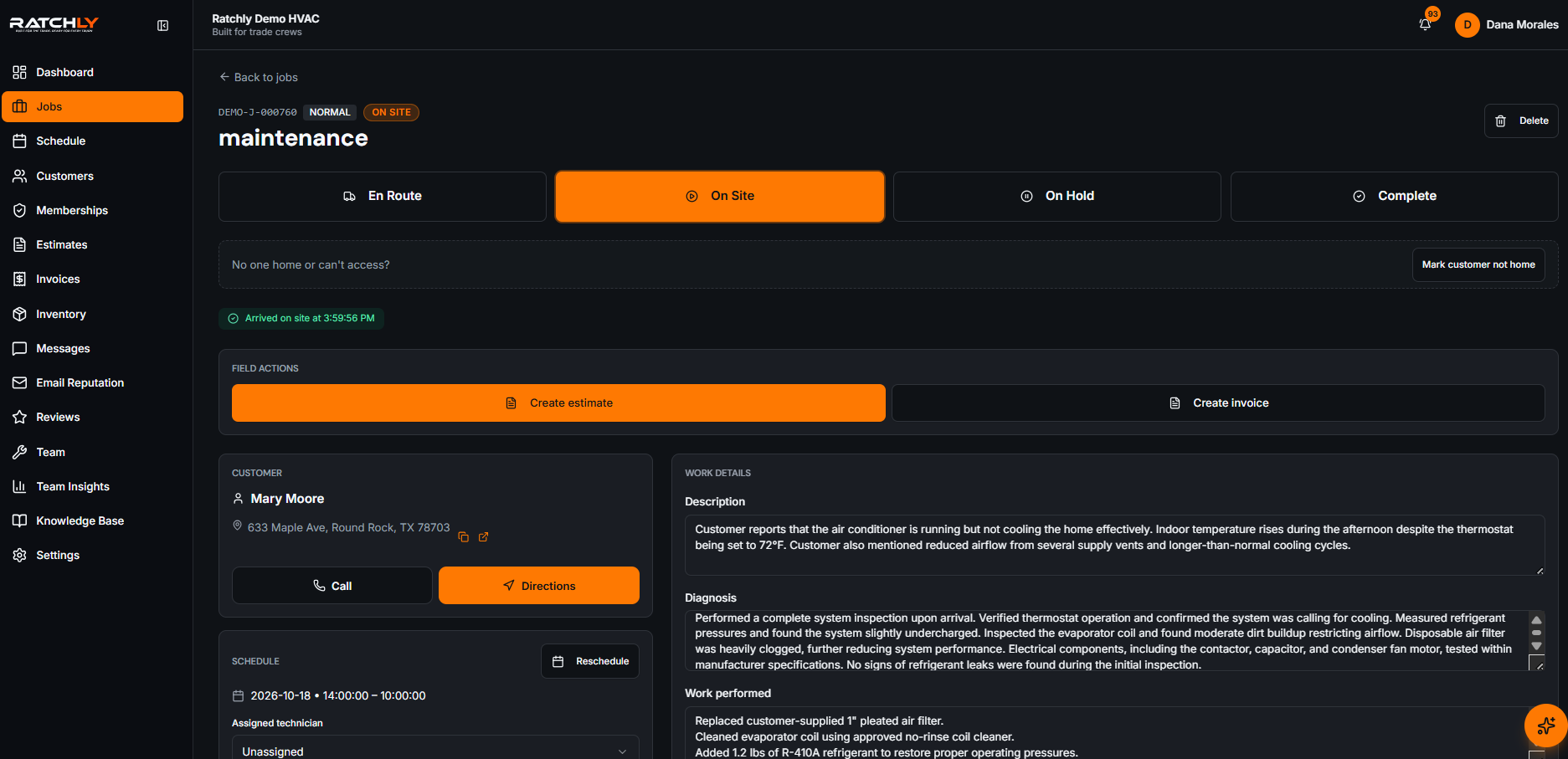
Everything the tech captured, in the office view
Photos, notes, signature, parts — all in the office job page.
What it means for your shop.
- Zero re-keying between tech and office
- Signed PDFs sent to customer at job completion
- Warranty-ready documentation every time
Work Orders — quick answers.
Can customers sign if they're not on site?
Yes. Send them a signature link by SMS or email — they sign on their own device.
Do I need a printer?
No. PDFs go by email or SMS. Print only if you want to.
Related features
Job Management
Ratchly ties the customer, unit, estimate, invoice, and every tech note to one job so nothing gets lost in a text thread.
Learn about Job ManagementOperationsInvoices
One-tap invoicing from any completed job. Branded PDF, live payment link, automatic dunning.
Learn about InvoicesCustomer ExperienceCustomer Portal
Ratchly's public portal lets homeowners see estimates, track their tech, pay invoices, and book more work — no login, no app.
Learn about Customer Portal